From Unboxing to private AI brain: Why I Built machine_setup_automation
2026-08-21 · Julian Weber
You did it. You bought a Strix Halo machine or a DGX Spark. This is hardware that finally makes local LLM experimentation feasible without an enterprise budget. The box is unpacked, the fans are quiet, and now comes the part with the prerequisites: turning a fresh Ubuntu install into a machine that can actually serve models.
Between the GPU toolchain, the inference engine, the model proxy, the web UI, SSH hardening, the firewall, and a monitoring stack, a proper inference server is ten different install projects wearing a trench coat. Do it by hand and you'll spend a whole weekend on plumbing before your first token ever gets generated.
So I built kwisatz: a repo of modular, idempotent Bash scripts plus one orchestrator that turns "new machine" into "working inference server" with a single YAML file and one command. Here's the story and a quick tour of the stack, because I suspect most of you have never run an inference server before.
Why I Built It
As a DevOps professional I live by one rule: if I do something twice, it becomes code. So from day one, every step of my machine provisioning — Docker, GPU builds, inference services, firewall, agents — went into this repository as its own script.
The scripts all lived in one place, but a new machine still meant: me, remembering which scripts exist, in which order they must run, and which environment variables each one needs. That's not a setup — that's a ritual only I could perform.
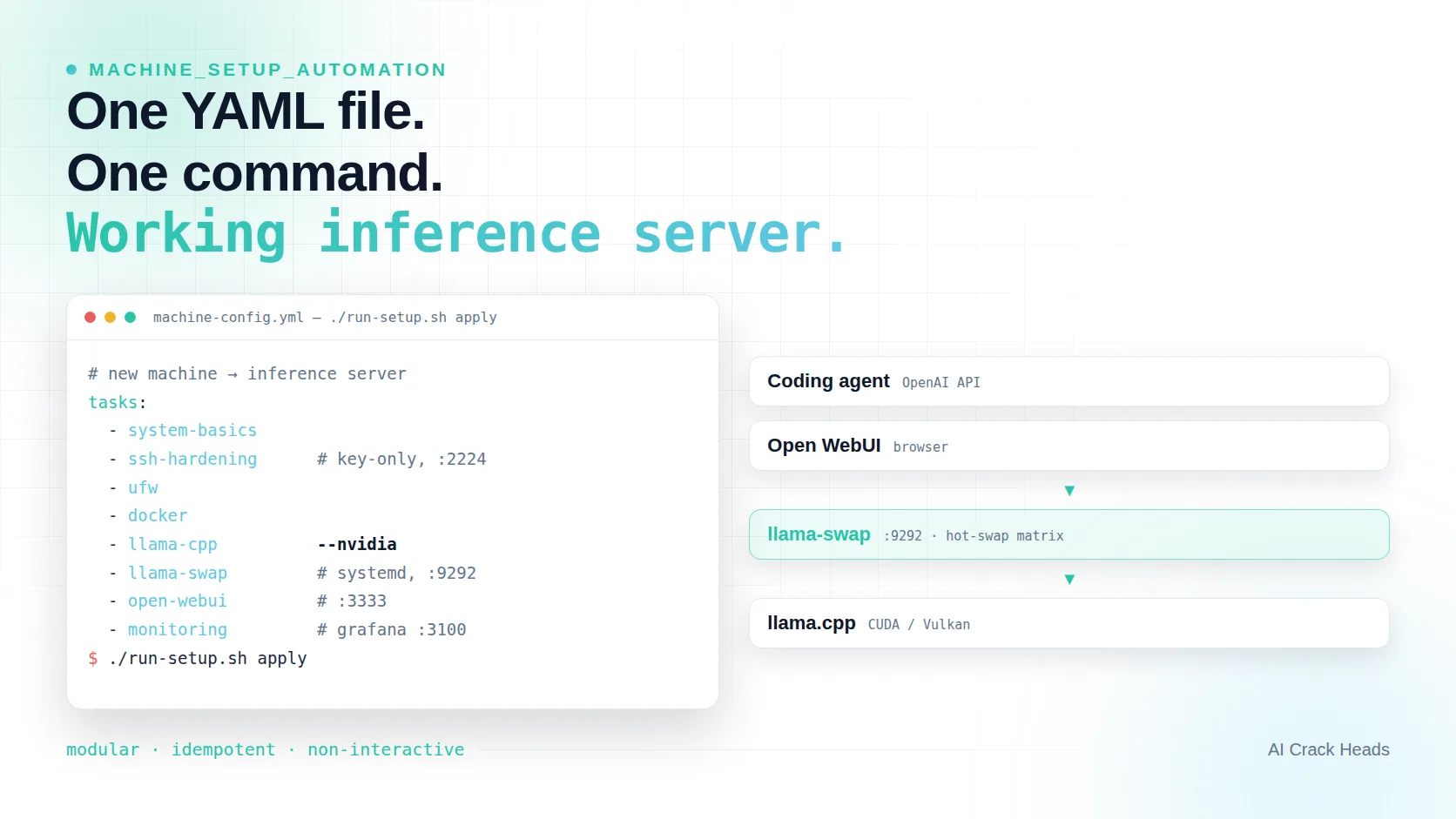
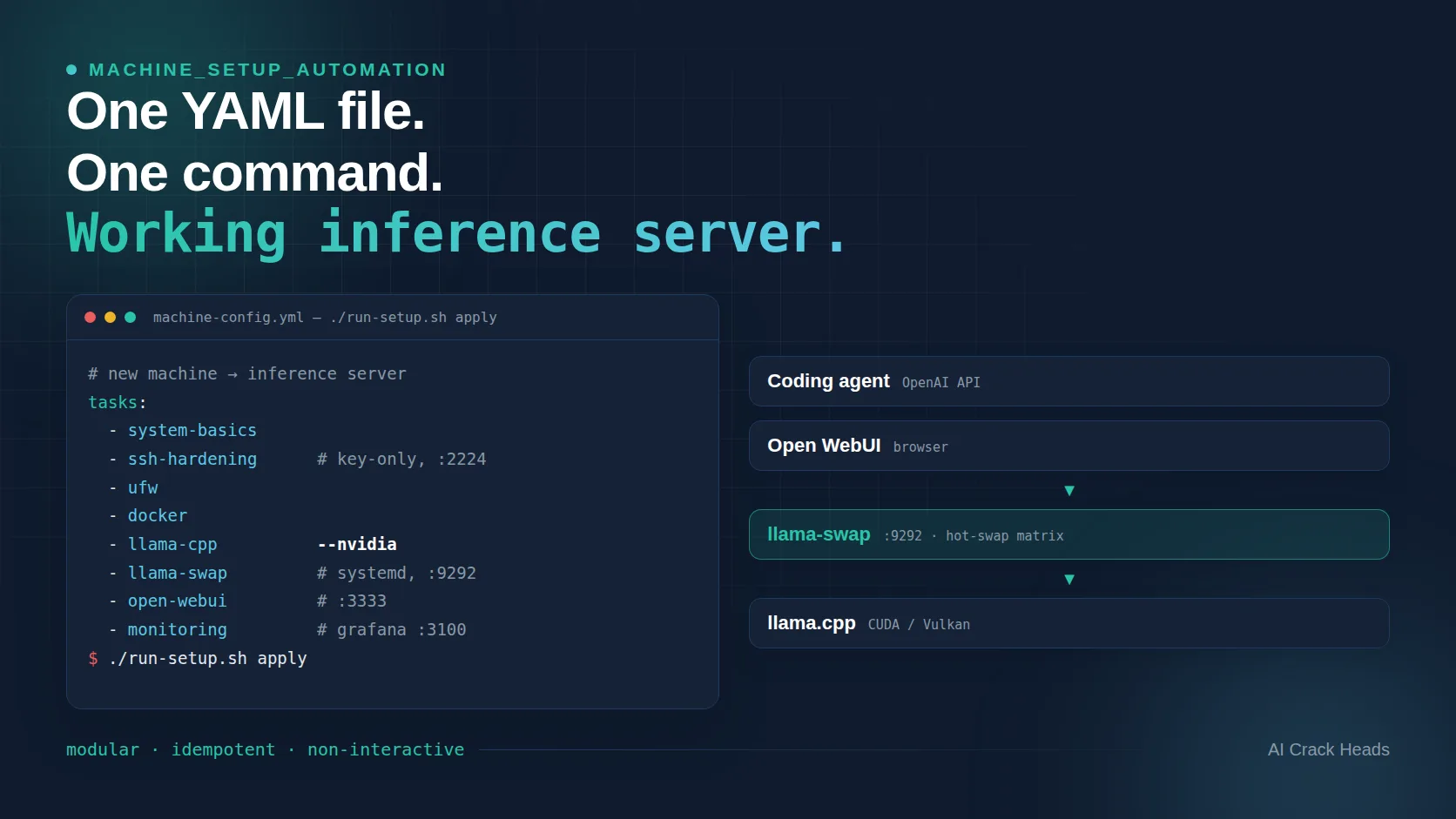
The fix was a thin orchestrator on top. run-setup.sh reads one YAML config, runs every enabled script — in the order you listed them — skips the ones you don't need, continues past a single failure, and prints a summary at the end. Your config file became the runbook. A machine that used to require me in the room now just requires the repo, a config, and ./run-setup.sh apply.
The Inference Stack, Explained
Before the tutorial, let's meet the cast. The inference preset in the repo — machine-config-inference.yml.example — enables exactly this:
- llama.cpp — the engine that does the actual thinking. It runs LLMs locally, directly on your GPU (CUDA on NVIDIA, Vulkan on AMD), compiled from source for your hardware. It exposes an OpenAI-compatible API. If you remember nothing else: this is the thing where your model lives.
- llama-swap — the bouncer in front of the engine. A small Go proxy that sits between your clients and your inference servers. It watches the
modelfield in each request, starts the right llama.cpp server on demand, and hot-swaps models when you ask for a different one. Because one GPU can't hold every model in memory at once, llama-swap keeps a cost-based swap matrix that evicts the least valuable model when a new one needs the RAM. It also gives you a web UI (/ui) to see which models are loaded and kick them around by hand. - Open WebUI — a ChatGPT-style web interface for browsing and chatting with your local models from a browser.
- vLLM — an alternative, high-throughput inference server for when raw tokens-per-second matter more than flexibility.
- Pi coding agent — yes, the repo installs its own agent, so the machine is immediately useful for coding work, not just chat.
- Monitoring — Prometheus, Grafana, Node Exporter, and cAdvisor in Docker. Every container labeled
prometheus.scrape=trueis auto-discovered and scraped, and Grafana ships with pre-provisioned dashboards. Your 70B model going down overnight now comes with a dashboard instead of a prayer.
The flow that makes this stack click:
Coding agent ──┐
               │   OpenAI-compatible API ·  "model": "qwen3-30b"
Open WebUI ────┴──────────────►  llama-swap  ·  proxy on :9292
                                          │
                                          │   loads / hot-swaps models
                                          ▼
                                  llama.cpp server
                                  (CUDA or Vulkan backend)
Any client — a coding agent, Open WebUI, curl — talks to llama-swap using the standard OpenAI API. llama-swap makes sure the requested model is running on llama.cpp and routes the request there. Switch models by changing one string in your request.
Quick Start: New Machine to Inference Server
On a fresh Ubuntu 24.04 machine:
git clone https://github.com/Kubementat/kwisatz.git
cd kwisatz

# Start from the inference preset
cp machine-config-inference.yml.example machine-config.yml
The preset enables, in order: system basics, hardened SSH (key-only auth, port 2224), UFW firewall rules, Docker, llama.cpp (built with the right GPU backend), llama-swap as a systemd service, Open WebUI, the Pi agent, vLLM, and the monitoring stack. Every entry is documented inline with its environment variables and defaults — tune the ports, pick your GPU backend (--nvidia, --amd, --cpu), or flip a service to enabled: false. Then:
# See exactly what will run, in what order
./run-setup.sh status

# Do it
./run-setup.sh apply
Everything is non-interactive and idempotent: scripts print progress, survive being run twice, and leave you a working server — llama.cpp built for your GPU, llama-swap routing requests at :9292, a web UI at :3333, dashboards at :3100.
There's also an accompanying Agent Skill in the repo (skills/machine-setup-automation-assistant/SKILL.md). Point any compatible agent at it and it can walk you through choosing and running the right setup — AI agents configuring the AI infrastructure that runs them. I rather like the loop.
Why This Matters
The whole point is that your time should go into models and experiments, not into apt install archaeology. If you want a reproducible, documented, idempotent path from fresh Ubuntu to a working local inference server — one that you (or an agent) can replay on the next machine you buy — this is it.
Contributions are welcome: new task scripts are the most wanted kind of PR. The repo is at github.com/Kubementat/kwisatz.
The Future of This Project
Of all the projects I've built to work out the components required for the agentic age of software development and companies in general, this is the one I use every day to run my DGX and my Halo 24/7. Right now I'm improving a lot of the existing scripts and adding new features, e.g. automatic model configuration — run the installer, and the model weights and AI agent setup are handled for you. This repository aims to let everybody run their own private brain at home.
Appendix: Tools at a Glance
| Tool | What it is | Docs |
|---|---|---|
| llama.cpp | Local LLM inference engine, GPU or CPU | GitHub · Docs |
| llama-swap | Multi-model proxy with hot-swapping | GitHub · Wiki |
| Open WebUI | ChatGPT-style web UI | GitHub · Docs |
| vLLM | High-throughput serving engine | GitHub · Docs |
| Prometheus | Metrics collection & alerting | prometheus.io |
| Grafana | Dashboards & visualization | grafana.com |
| Node Exporter | Host metrics for Prometheus | GitHub |
| cAdvisor | Per-container resource metrics | GitHub |
Sources
[1] Julian Weber. kwisatz — README. https://github.com/Kubementat/kwisatz/blob/main/README.md
[2] Julian Weber. kwisatz — CONTEXT.md. https://github.com/Kubementat/kwisatz/blob/main/CONTEXT.md
[3] Julian Weber. Agent Skill: kwisatz-assistant. https://github.com/Kubementat/kwisatz/blob/main/skills/kwisatz-assistant/SKILL.md
[4] Agent Skills. Agent Skill Specification. https://agentskills.io
[5] NVIDIA. DGX Spark. https://www.nvidia.com/en-us/on-demand-series/dgx-spark/