CUDA, Compute Capability, and Drivers: Why New NVIDIA GPUs Suddenly Stop Working
2026-01-20 · Manuel Spörer
Anyone working with CUDA, PyTorch, or custom GPU kernels eventually runs into the same question: why does the code run immediately on one NVIDIA GPU — and suddenly fail outright on the next? The answer almost always lies in the interplay between the CUDA Toolkit, Compute Capability, drivers, and framework builds.
The error messages look different on the surface, but often mean the same thing: no kernel image is available for execution on the device or NVIDIA GeForce RTX 5090 with CUDA capability sm_120 is not compatible with the current PyTorch installation. This is where the wrong kind of troubleshooting tends to start in many teams — drivers get updated, CUDA is reinstalled, PyTorch is swapped out several times, and the actual problem still persists. This article sorts out the layers where compatibility is actually decided, and shows why many of these errors reduce to the same three concepts.
CUDA Toolkit, Compute Capability, Drivers: What's What?
Many people conflate three things that are related but not identical: the CUDA Toolkit, Compute Capability, and the NVIDIA driver. If you don't keep these layers separate, you quickly lose the plot with new GPU generations like Ada, Hopper, or Blackwell.
The CUDA Toolkit Is the Development Base
The CUDA Toolkit is NVIDIA's software stack for GPU development. It includes the nvcc compiler, the runtime, developer tools like Nsight and Compute Sanitizer, and libraries like cuBLAS, cuDNN, cuFFT, or cuSolver [1]. When developers talk about "CUDA 12.8" or "CUDA 13.2," they usually mean exactly this toolkit version — the same number that nvcc --version prints. As of the time of writing, the current release is CUDA 13.2 [3].
Compute Capability Describes the GPU Hardware
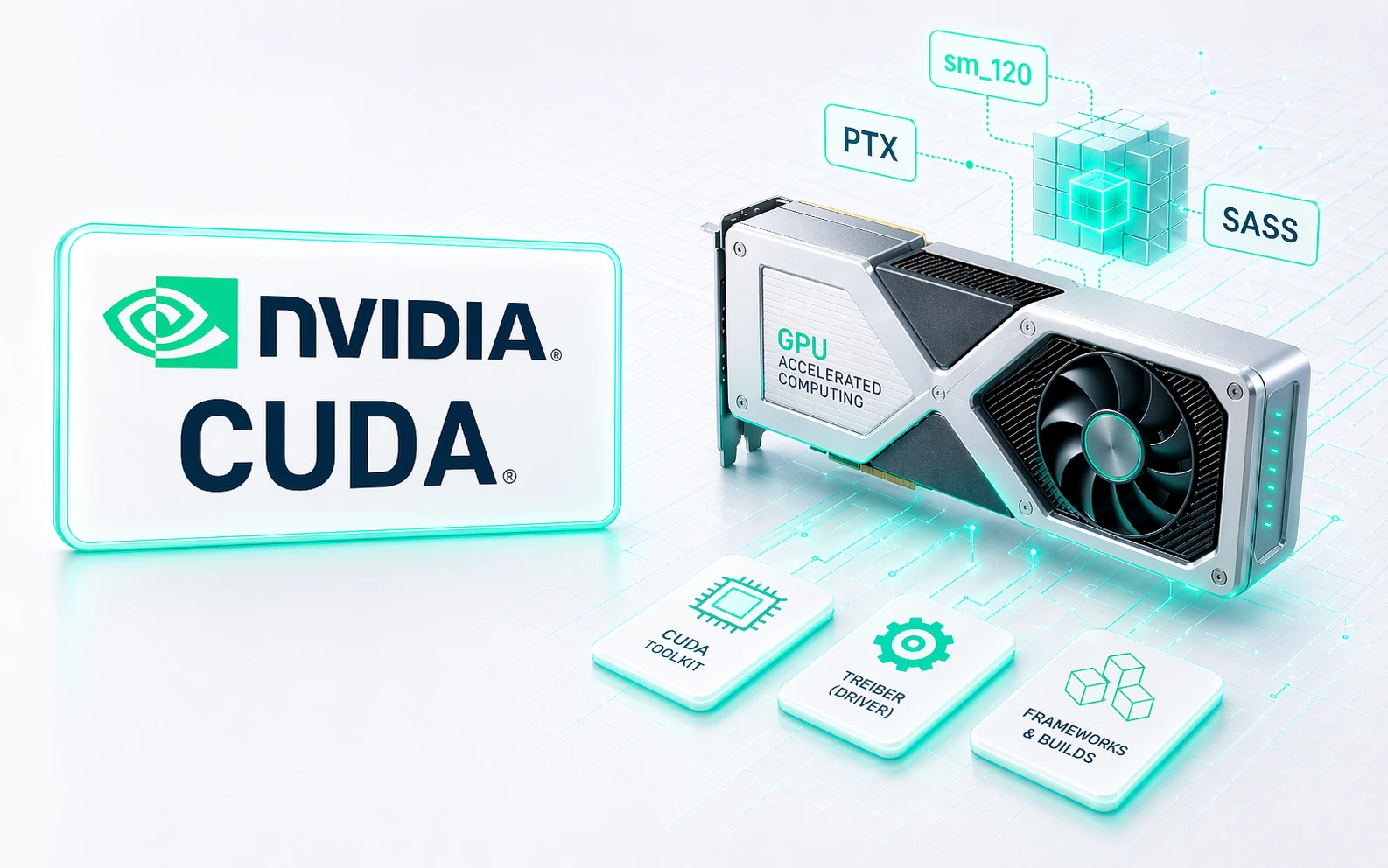
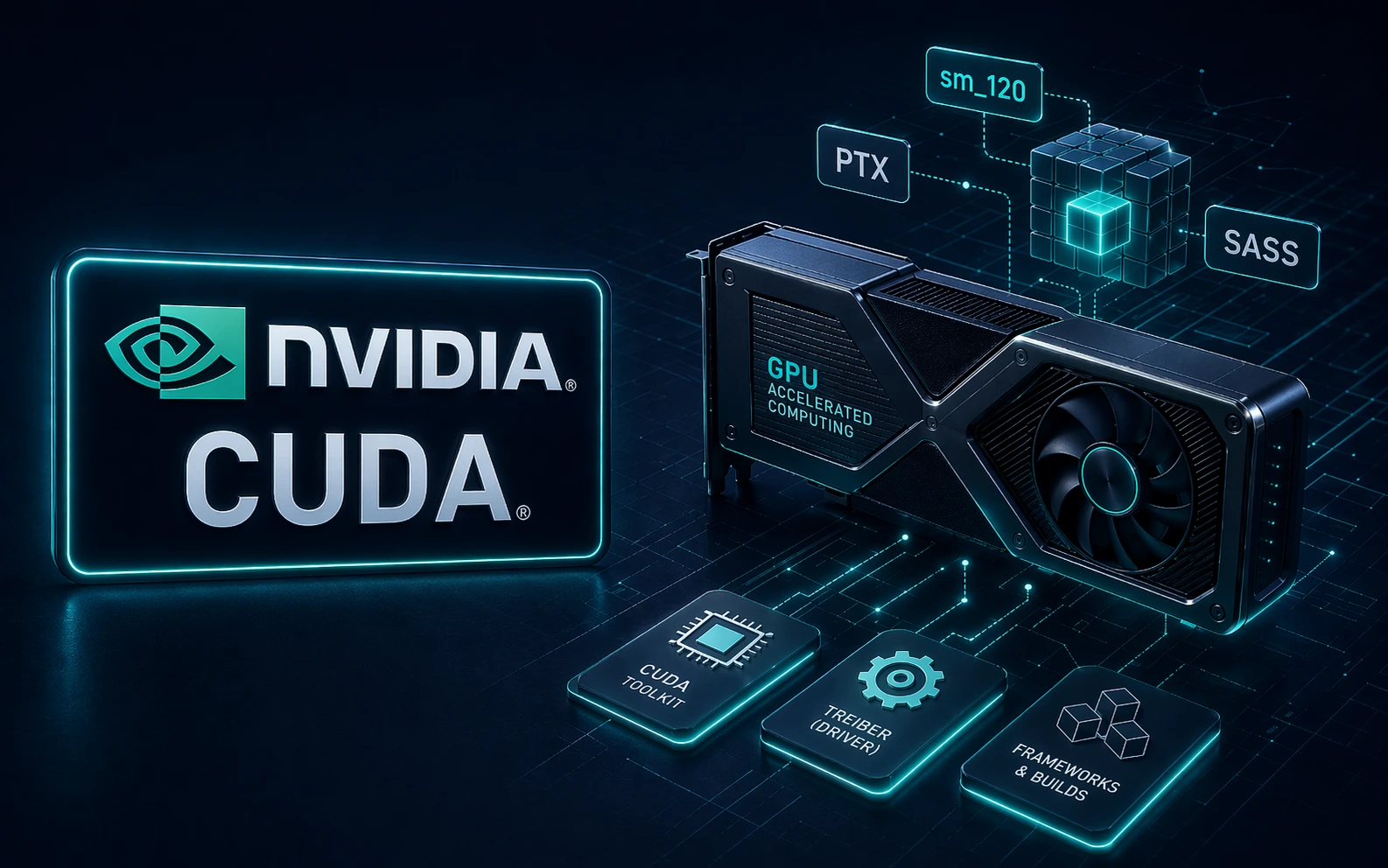
Compute Capability is not a software version but a property of the GPU architecture. It defines which hardware features and instructions an NVIDIA GPU supports [2]. Typical examples: CC 7.5 for Turing, CC 8.6 for Ampere consumer GPUs, CC 8.9 for Ada Lovelace, CC 9.0 for Hopper, CC 10.0 for data-center Blackwell, and CC 12.0 for consumer Blackwell [2, 8]. In build logs or compilers, this layer usually shows up as sm_75, sm_89, or sm_120 [7]. These identifiers are what decide later on whether a binary runs natively on a given GPU or not.
The NVIDIA Driver Connects Toolkit and Hardware
The driver is the layer between software and GPU. It also determines whether a CUDA build can even be executed on the system. Every toolkit version has a minimum driver version; a newer driver can usually still serve older toolkits, but not the other way around [6].
The Misconception That Keeps Happening
PyTorch especially leads people astray here. A package like torch==2.6.0+cu128 looks technical but is routinely misread. The cu128 does not refer to the Compute Capability — it refers to CUDA version 12.8, against which the wheel was built. That sounds trivial, but in practice it's one of the most common causes of misdiagnosis. Anyone who confuses cu128 with a GPU architecture is looking in the wrong place.
Why Some CUDA Binaries Run on New GPUs — and Others Don't
The real key to compatibility lies in the distinction between SASS and PTX. Once you understand the difference, almost every typical CUDA error becomes a lot easier to decode [5, 7].
SASS Is Finished Machine Code for Exactly One Architecture
SASS is the native GPU machine code. It is compiled for one specific architecture. A binary that only contains SASS for sm_89 is built for Ada. That doesn't help on a Blackwell GPU — you'll quickly see errors like no kernel image is available for execution on the device [5].
PTX Is the Flexible Intermediate Code
PTX is a virtual intermediate language. On the first kernel launch, the NVIDIA driver can translate this code just in time into native code for the GPU at hand — provided the GPU is architecturally compatible and not older than the PTX base [5].
That's Why Good CUDA Binaries Usually Ship Both
Production CUDA binaries often contain SASS for several known architectures and PTX as a fallback for newer GPUs. That is exactly why a library built before a new GPU generation can still start: the driver compiles the bundled PTX into a suitable native path on first call [5]. The price is a possible JIT overhead, which can be noticeable for large libraries.
If you have to reduce the whole topic to a single sentence, it's this: new GPUs can often still execute old PTX code. They cannot execute old SASS. And an old driver fundamentally cannot drive a new GPU cleanly [5, 6].
What sm_120 Actually Means — and Why Blackwell Isn't Just Blackwell
Blackwell has not made the naming scheme any simpler — quite the opposite. In everyday conversation, "Blackwell" is often treated as a single architecture. Technically, that's too coarse.
There Is No Single Blackwell Platform
In reality there are two separate families: the 10.x family in the data center with sm_100 and sm_103, and the 12.x family in the consumer and workstation segment with sm_120 and sm_121 [2, 8]. That sounds like a detail, but it has real consequences: code for sm_100 does not automatically run on an RTX 5090 with sm_120, even though both products carry the Blackwell label [8]. This is where a lot of real-world assumptions fall apart.
What the a and f Suffixes Mean
On top of the SM number, suffixes now enter the picture: sm_120 is the standard target, sm_120a marks architecture-specific features (not forward-compatible), and sm_100f stands for family-scoped compatibility within a family [3, 7]. The a suffix in particular is tricky in practice: it enables special hardware features but sacrifices portability. Going for maximum performance on a single architecture sometimes means reaching for exactly this flag — but it comes with tighter compatibility constraints.
Why New GPUs Are Often Misjudged by Older Projects
A typical pitfall are internal tables inside libraries that don't yet know about new GPUs. Architecture parameters like cores-per-SM then get mapped incorrectly, which can cause a new GPU to technically run but perform far below expectations [11]. When a brand-new NVIDIA GPU produces surprisingly weak results, it's often not a hardware issue but simply a software stack that doesn't yet understand the architecture properly.
CUDA Versions at a Glance: Which Releases Actually Mattered
Not every CUDA release reshapes day-to-day practice. But some versions mark clear breaks:
| Version | Year | Key Point |
|---|---|---|
| 6.0 | 2014 | Unified Memory |
| 7.5 | 2015 | FP16 support |
| 8.0 | 2016 | Pascal, NVLink |
| 9.0 | 2017 | Volta, Tensor Cores |
| 10.0 | 2018 | Turing, CUDA Graphs, RT Cores |
| 11.0 | 2020 | Ampere, BF16/TF32, Minor Version Compatibility |
| 12.0 | 2022 | Hopper, FP8 |
| 12.8 | 2025 | Blackwell support with sm_100 and sm_120 |
| 13.0 | 2025 | End of toolkit support for Maxwell, Pascal, Volta |
| 13.1 | 2025 | Windows driver package changes, Tile IR |
| 13.2 | 2026 | Extended grouped-GEMM API in cuBLASLt |
CUDA 13.0 stands out here. That release wasn't a routine maintenance update — it was a cut: Maxwell, Pascal, and Volta were removed from the toolkit [1, 3]. Anyone still running those GPUs in production effectively stays on the 12.x line. For legacy infrastructure, that isn't a footnote but a strategic toolchain decision.
Why the RTX 5090 Still Causes Problems with PyTorch
In theory, the CUDA Toolkit may already support a new architecture — in practice, that doesn't mean every framework follows cleanly on day one. The RTX 5090 is a textbook example: the GPU ships with sm_120, but many widely used PyTorch builds initially don't include that architecture. PyTorch then reports the GPU correctly, but can't execute matching binaries [9, 10]. The result are incompatibility messages, even though CUDA itself is long ready on paper.
What to Always Check with New NVIDIA GPUs
When a framework doesn't correctly support a new GPU, in practice you're rarely spared these four checks: which CUDA version is in the wheel? Which sm_XX architectures does the build actually contain? Are there already nightly builds with support? Does the framework need to be built from source? For PyTorch specifically, setting TORCH_CUDA_ARCH_LIST before a source build is crucial — otherwise the framework compiles unnecessarily broadly and build times explode [9].
CUDA Compatibility in Practice: Typical Cases from the Field
The real strength of the SASS/PTX logic only shows up in a compatibility matrix across typical configurations:
| Scenario | Result | Why |
|---|---|---|
CUDA 13.2 for sm_89 | Runs optimally on RTX 4090 | Native Ada SASS |
CUDA 13.2 for sm_120 | Runs optimally on RTX 5090 | Native Blackwell SASS |
CUDA 12.4 for sm_89 on RTX 5090 | Runs via PTX JIT | No native Blackwell path |
CUDA 13.2 for sm_100 on RTX 5090 | Does not run | Data-center Blackwell ≠ consumer Blackwell |
Toolkit 8.0 for sm_89 | Does not compile | Architecture was unknown at the time |
sm_89 SASS-only binary on RTX 5090 | Does not run | No PTX fallback |
sm_89 binary with PTX on RTX 5090 | Runs via JIT | First call may be delayed |
The last row is particularly important in practice: many old CUDA binaries aren't "broken," they just depend on PTX being included. If that fallback is missing, the story ends directly with a runtime error [5].
The sm_90a Trap in Specialized Libraries
A notable special case are builds like sm_90a, which appear in Hopper-optimized performance libraries. These targets are deliberately tailored to specific hardware features and are therefore not forward-compatible [3, 7]. Compiling like this gets you maximum specialization — but no automatic future-proofing.
A Checklist to Find CUDA Issues Faster
When CUDA code won't start or a GPU isn't recognized cleanly, a calm sequence helps more than frantic reinstalling. Start with nvidia-smi: which driver version is installed, which CUDA support does the system report? Then run nvcc --version to see the local toolkit version. Next, check the framework: does PyTorch see the GPU, which Compute Capability does it report, and which architectures are built in? After that, make sure you didn't accidentally install a CPU-only version. Finally, keep an eye on the environment itself — with Node-based tools, ComfyUI setups, or experimental requirements files, a GPU build often gets silently overwritten. These checks sound trivial but regularly save hours in practice.
Why Minor Version Compatibility Matters
One point many people underestimate: since CUDA 11.0 there has been Minor Version Compatibility. Within the same major version, binaries can often run on slightly older drivers without immediately forcing an upgrade [5, 6]. That dramatically reduces pressure in production environments. Between major versions, however, this relief does not apply — the jump from 12.x to 13.x is not a minor update.
Where CUDA and the NVIDIA Toolchain Are Heading
Four clear developments are shaping the next few years. First, Python is moving further into the center of CUDA, which matters above all for AI and inference workloads and increasingly complements the classical C++ narrative. Second, FP4 and NVFP4 are becoming strategically important with Blackwell — anyone working on modern AI kernels will not get around these formats [3]. Third, family targets are gaining weight: the classical "one architecture, one SM number" build logic is being supplemented by family-level logic, which is especially relevant for Blackwell [3, 7]. And fourth, legacy support will keep shrinking — after Maxwell, Pascal, and Volta, it's foreseeable that later generations will eventually drop out of active toolkit support [1]. Anyone operating long-lived hardware fleets needs to factor that in early.
Conclusion: The Three Rules That Explain Almost Every CUDA Error
In the end, the whole compatibility question compresses into three simple principles. New hardware is usually more tolerant of old code than the other way around. SASS is rigid, PTX provides forward compatibility. Compute Capability is not the same as the CUDA version. Anyone who can keep these three rules cleanly apart diagnoses NVIDIA GPU issues faster, builds more robust toolchains, and saves a lot of wasted troubleshooting with new CUDA and framework releases.
Sources
[1] NVIDIA Developer. CUDA Toolkit Archive. https://developer.nvidia.com/cuda-toolkit-archive
[2] NVIDIA Developer. CUDA GPUs — Compute Capability. https://developer.nvidia.com/cuda/gpus
[3] NVIDIA. CUDA Toolkit 13.2 Release Notes. https://docs.nvidia.com/cuda/cuda-toolkit-release-notes/index.html
[4] NVIDIA. CUDA Toolkit 13.1 Release Notes. https://docs.nvidia.com/cuda/archive/13.1.0/cuda-toolkit-release-notes/index.html
[5] NVIDIA. CUDA Compatibility Guide. https://docs.nvidia.com/deploy/cuda-compatibility/index.html
[6] NVIDIA. Supported Drivers and CUDA Toolkit Versions. https://docs.nvidia.com/datacenter/tesla/drivers/supported-drivers-and-cuda-toolkit-versions.html
[7] Arnon Shimoni. Matching CUDA arch and CUDA gencode for various NVIDIA cards. https://arnon.dk/matching-sm-architectures-arch-and-gencode-for-various-nvidia-cards/
[8] NVIDIA Developer Forums. CUDA Toolkit 12.8 — what GPU is sm_120? https://forums.developer.nvidia.com/t/cuda-toolkit-12-8-what-gpu-is-sm-120/322128
[9] PyTorch GitHub. Issue #159207 — sm_120 support. https://github.com/pytorch/pytorch/issues/159207
[10] PyTorch Forums. Is there a PyTorch build that supports NVIDIA RTX 5090 (compute capability 12.0, sm_120)? https://discuss.pytorch.org/t/is-there-a-pytorch-build-that-supports-nvidia-rtx-5090-compute-capability-12-0-sm-120/223536
[11] OpenMVS GitHub. Issue #1248 — SM 12.0 MapSMtoCores. https://github.com/cdcseacave/openMVS/issues/1248
[12] Wikipedia. CUDA. https://en.wikipedia.org/wiki/CUDA